Java Edition
Add mc.boal.tech in Multiplayer. The default port is 25565.
Public address: mc.boal.tech
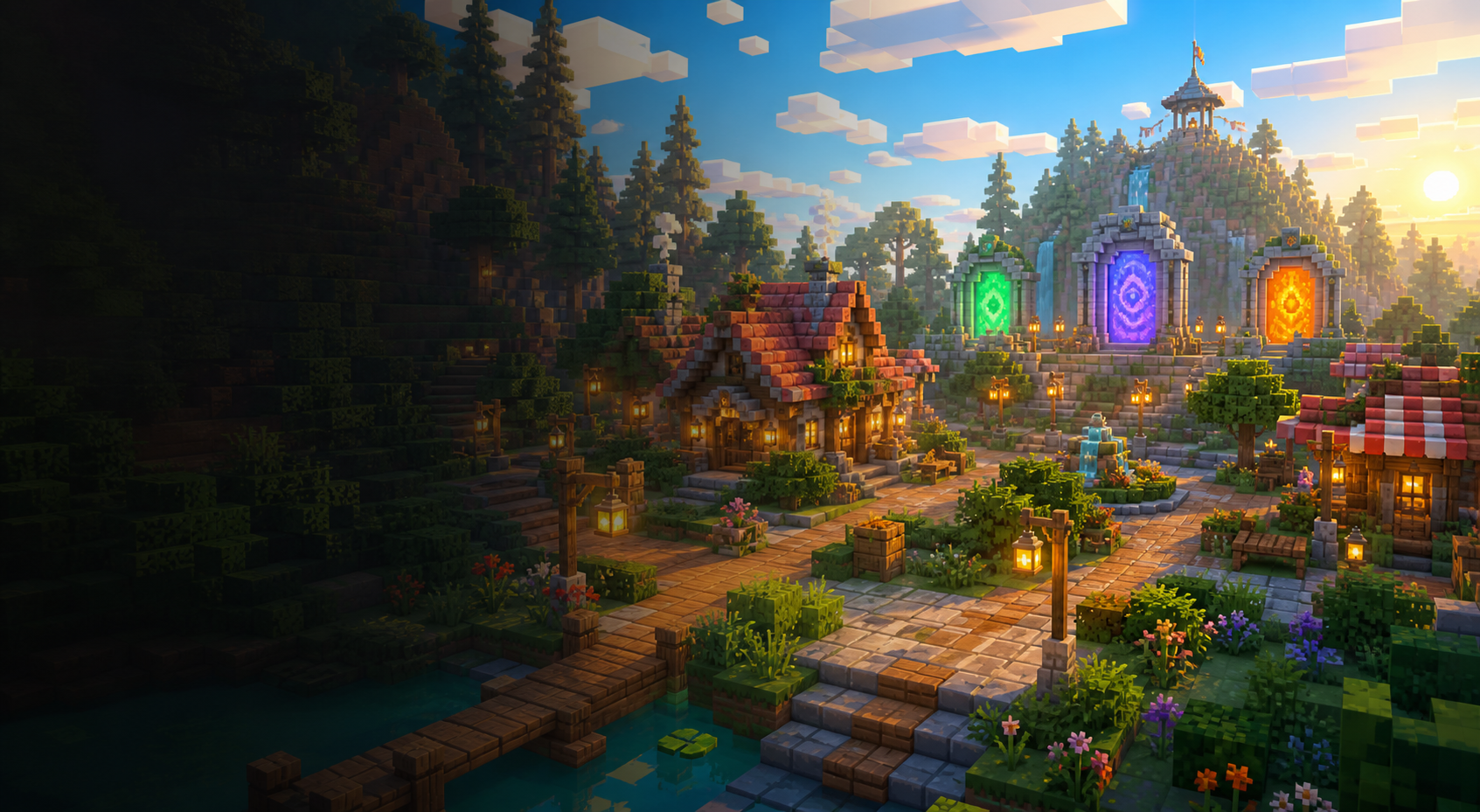
A family-friendly public Minecraft network for builders, explorers, parents, and younger players, with one welcoming lobby for Java, Bedrock, and ATM10 adventures.
Start here
Add mc.boal.tech in Multiplayer. The default port is 25565.
Add mc.boal.tech with port 19132. Sign in with your normal Microsoft/Xbox account; a Java account is not required.
Install the pinned ATM10 client and BoalHaus compatibility package for the shared lobby and modded world.
It installs BoalHaus Client Compatibility 0.5.4 and Be Quiet Negotiator 1.0.4 only. Compatibility 0.5.4 contains missing-registry creative-tab failures, guards registry-dependent client interactions including mining effects, and switches block-state mappings when Velocity transfers the player between vanilla and NeoForge backends. Downloads are SHA-512 verified, prior versions are backed up, and your worlds, settings, resource packs, and other mods are left alone.
Clear chat expectations, no griefing culture, and moderation roles built around guidance before punishment.
Shared worlds for parents, kids, friends, and trusted community members to build together.
Donations help cover hosting, backups, plugins, and new worlds without selling gameplay advantages.
Live network
Player names appear here when the public status handshake includes them.
Network map
A calm starting point with portals, announcements, rules, and a place to get settled before joining a world.
Collaborative survival with a strong no-griefing expectation, shared projects, and family-paced progression.
A building-first world for testing ideas, helping younger players learn, and showing off finished designs.
Lightweight events and activities for quick sessions, group nights, and friendly competition.
All the Mods 10 version 8.1 on NeoForge with shared network ranks, mcMMO progression, teams, and protected land claims. From the lobby, use /server atm10.
Open inventory
Our shared services include permissions, portals, claims, building tools, economy helpers, holograms, and cross-version support.
ATM10 8.1 contains a large, curated NeoForge mod set. Search the exact client inventory currently used for compatibility testing.
Live permissions
The default player rank. Includes portals, homes, survival claims, and one creative plot.
A trusted young-player rank with additional home access, plot merging, and up to five creative plots.
An established community rank with higher priority in the shared permission hierarchy.
A family-support role with elevated community and plot-management access.
Network administration, moderation, world management, and service configuration.
Ranks follow players across the Paper network and the ATM10 backend. ATM10 land is protected with FTB Chunks and team-based claim permissions.
Community standard
Support BoalHaus
Contributions help pay for hosting, backups, moderation tools, and new family-friendly experiences. Donor thanks stay cosmetic and community-oriented so every player has the same fair game.